Video is hot. Where text used to rule, blogs have had to give up part of their place to moving images. Think of TikTok, which has seen an unprecedented boost in recent years. Video marketing gives you the chance to build your brand visually and speak to your audience directly. Ready to convert your audience with video too? Ready, set, action.
1. Roll the camera
But which camera? Good news: you don't need the most expensive of the expensive. Virtually every smartphone has a good lens these days. And with its compact format, your smartphone is perfect for capturing footage on the go. Memory cards? No thanks. Upload straight to the cloud for an efficient workflow.
2. Go for a strong setup
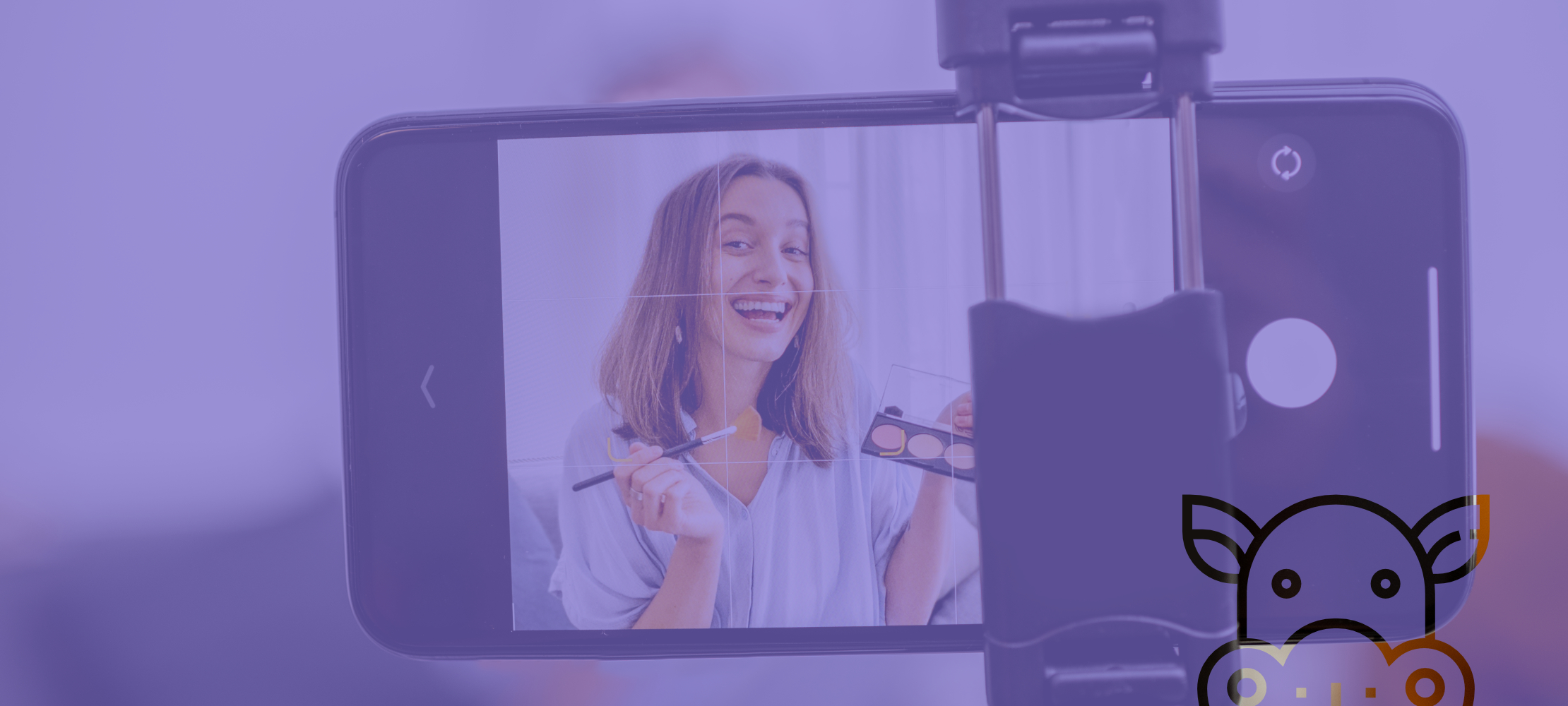
Your setup is the foundation of your video. It's impossible to hold your device up for more than two minutes without moving. The result? Poor quality footage. Our tip? Use a tripod.
Think about what your video's message will be and which channel you'll post on. Want to bring the narrator up close and personal? Then film vertically — it comes across more authentically. The ideal format for channels like TikTok and Instagram. More into storytelling? Then go for classic horizontal, for channels like YouTube and Facebook.
3. Hello daylight
Lighting is an important aspect of video. If the image is too dark, viewers drop off quickly. You don't need a super expensive studio setup with thousands of ring lights — just use the light that's always there: daylight. So take a spot in a room where plenty of natural light comes in and get going.
4. Is this mic on?
Audio unfortunately can't be fixed afterwards. Your smartphone's microphone may not give you the quality you need for your content. But there are solutions. Plug a lightweight microphone into your smartphone so you can count on crystal-clear sound.
5. Tools that help you on your way
Apple Watch as a remote control
The selfie camera is the worst camera on your smartphone for video. So it's better to film with the main camera. That can be a bit tricky… Luckily there's the Apple Watch, which you can use as a remote control for your camera. Your Watch has the camera app that switches on your iPhone's camera, so you can easily see what you're filming on your wrist.
Pages app as a teleprompter
Let your text roll across the screen. That way you only have to read while the camera runs. Super handy, right? Just install the Pages app on your iPhone or iPad, type in the text you want and switch it to 'presenter mode'.
Limecraft
Need subtitles on your video? Based on the spoken text in your video, Limecraft generates subtitles automatically. Upload your video into this app and save yourself hours of work.
Conclusion
Posting videos at random will deliver little to no result. So work out what your audience actually wants to watch and link it to your brand. Find out how video can help you reach your business goals. Video is clearly on its way to becoming the most dominant player in the world of online marketing. So make sure you use it to generate new leads and take your sales figures to record heights.